I want recommend you a tool very very useful for oracle traces analyzer, this tool is call: TRCANLZR (owner: Carlos Sierra, carlos.sierra@oracle.com). This tool allow you to summarize and describe trace files better than tkprof. It generates a HTML File with all information about the traces: top querys, top event waits, execution plans and much more:
Some Examples about the output after execution:
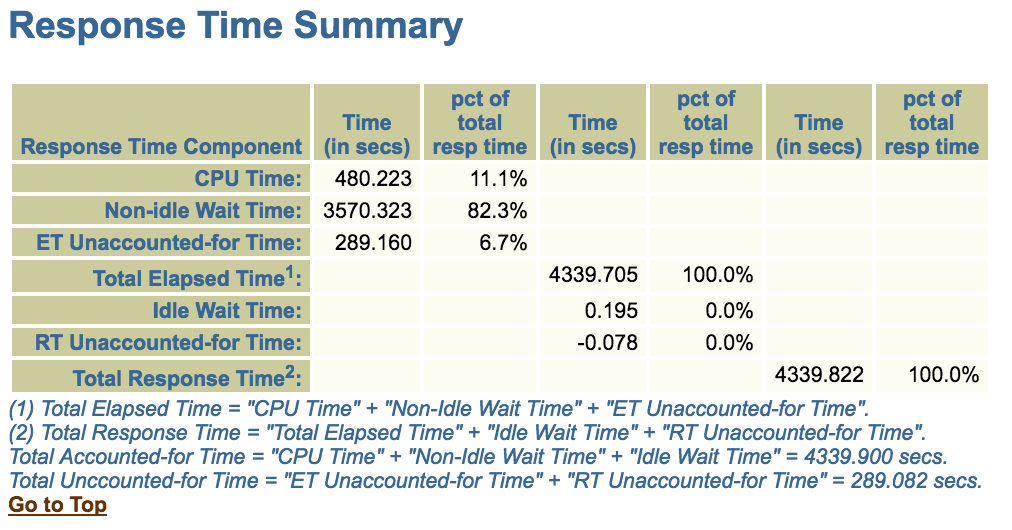
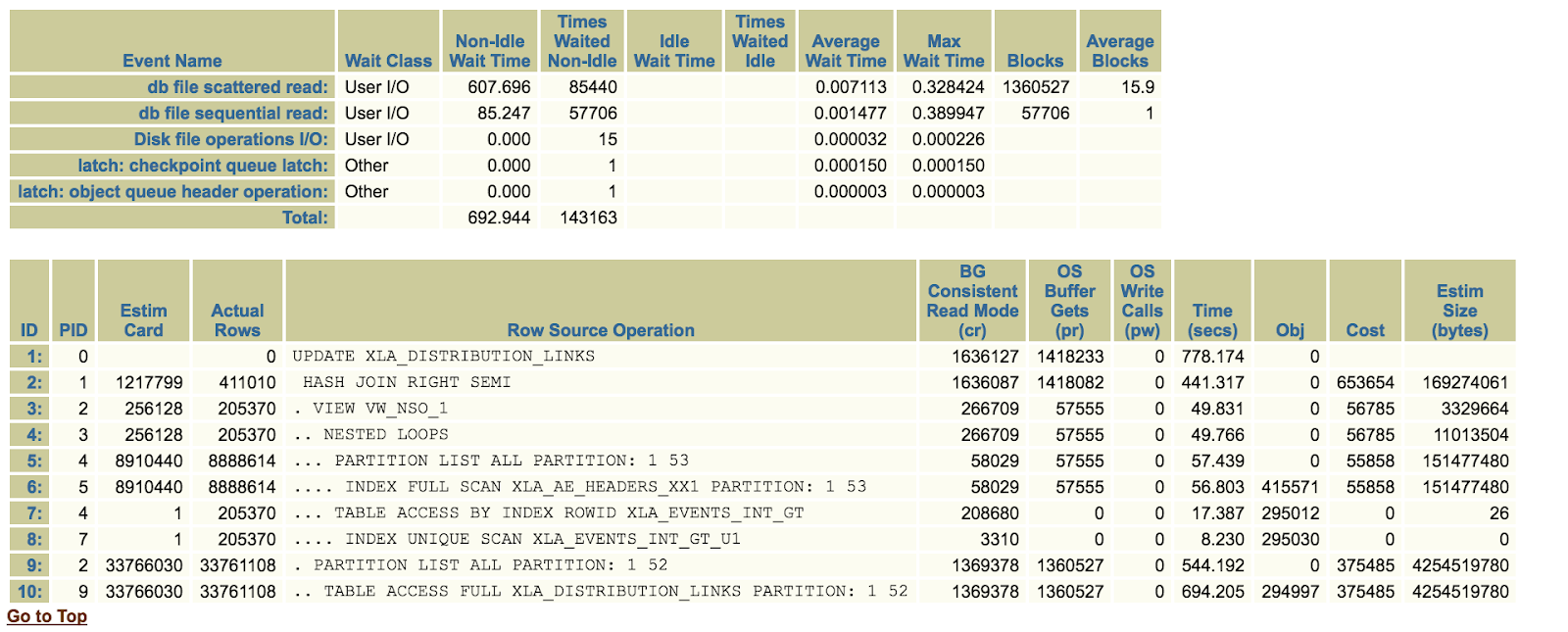
Full HTML Example about the output after execution traces analyzer:
In Metalink can see information about this tool in the note:
TRCANLZR (TRCA): SQL_TRACE/Event 10046 Trace File Analyzer - Tool for Interpreting Raw SQL Traces (Doc ID 224270.1)
The Download link: https://mosemp.us.oracle.com/epmos/main/downloadattachmentprocessor?attachid=224270.1%3ATRCA_TOOL_11458&docType=TROUBLESHOOTING&action=download
The install tool is very simple:
1.- Uncompress the zip file.
2.- Enter the folder: trca/install
3.- Execute: sqlplus "/as sysdba" @tacreate.sql
This step is for create database schemas. The tool require a database instance.
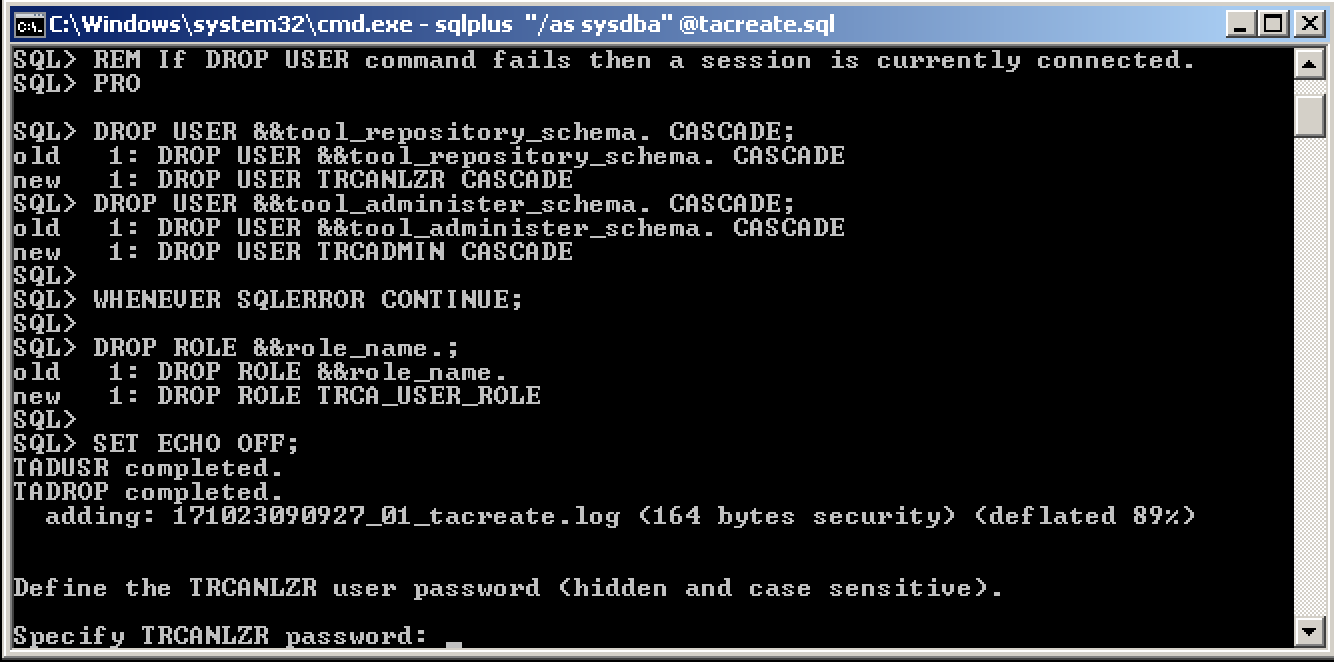
4.- enter the folder diag/....trace/ (the folder where is located the database's alert log)
5.- In that directory copy the *.trc file what you will analyze.
6.- Go the folder trca/install
7.- Execute: sqlplus "TRCANLZR/password_database" @trcanlzr.sql file_trace_to_analyzer.trc
8.- When the procesess finish, will be generated ZIP file on the folder trca\run
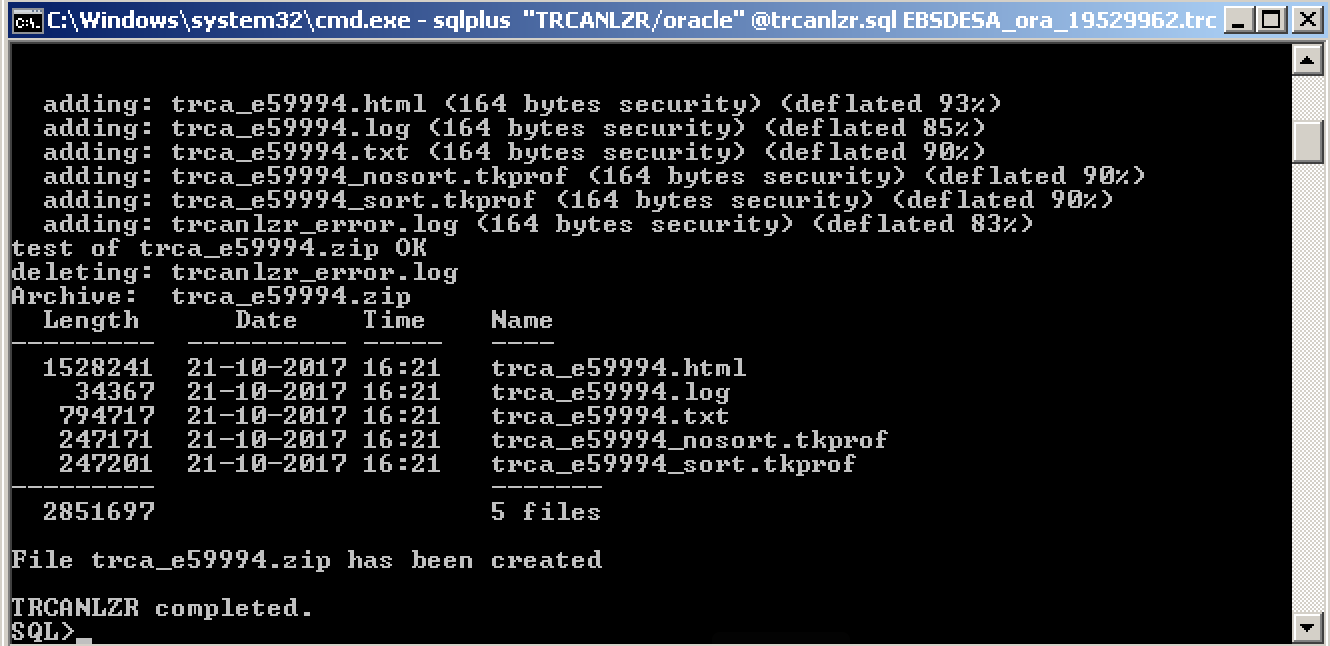
And open that zip file and you can see the HTML unique file with all results analyzer. (Example output: https://drive.google.com/uc?export=download&id=0B8Tjo6f10a1WbEVDaTBSNUpwd1E)
PD: For 9i trace files, you should to use this tool:
9i SQL Tuning Health Check Script SQLHC Doc ID 1366133.1
Link from author tool: https://carlos-sierra.net/2013/04/25/differences-between-tkprof-and-trace-analyzer-trcanlzr-trca/